> For the complete documentation index, see [llms.txt](https://docs.tagfly.io/llms.txt). Markdown versions of documentation pages are available by appending `.md` to page URLs; this page is available as [Markdown](https://docs.tagfly.io/pinterest/how-to-find-pinterest-conversion-access-token.md).
# How to find Pinterest Conversion Access Token
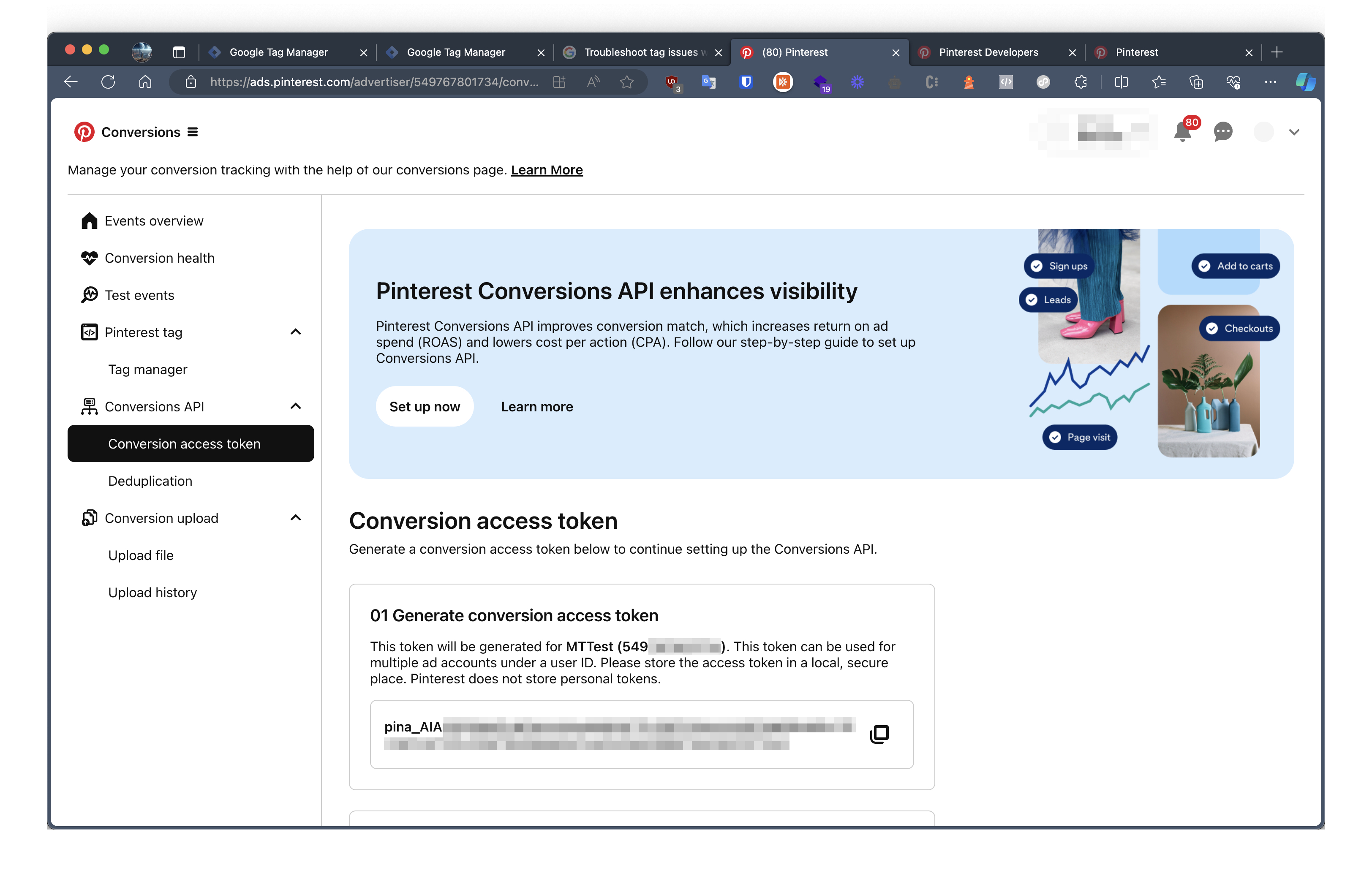
## Step 1: Navigate to your Pinterest Conversion Page
Access the [Pinterest Conversion Page](https://ads.pinterest.com/)
## Step 2: Go to the Conversion access token
Click **Generate new token**
Conversion Access Token should start with "pina\_". Copy and paste it into our app!